
MienA moment for you.

Face yoga, with live feedback

Meet your
movement.

A little movement. A little awareness. An interactive mirror that makes room for a moment to yourself.

Explore Mien

Coming soon to the App Store
For iPhone · iOS 17 or later

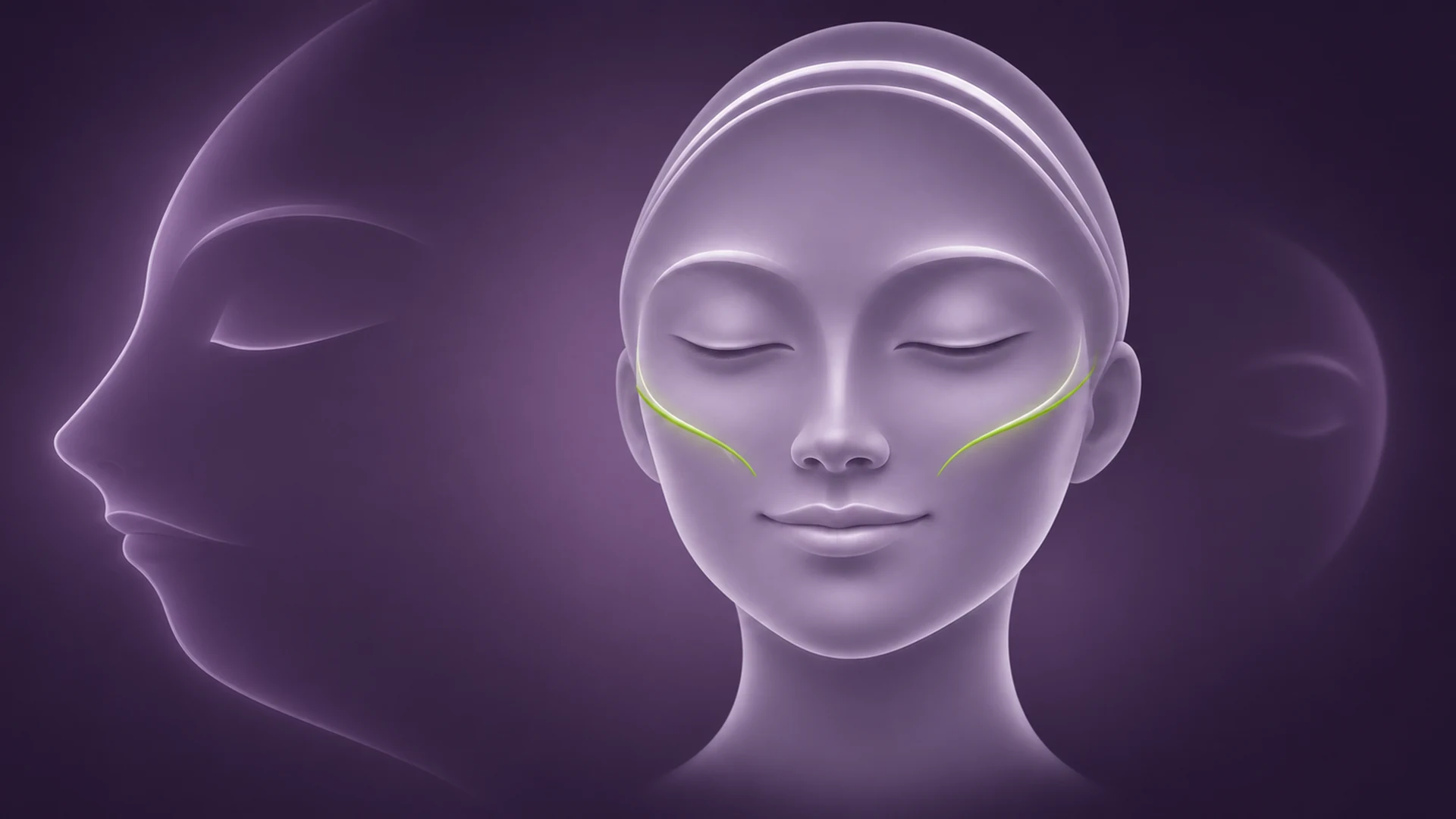
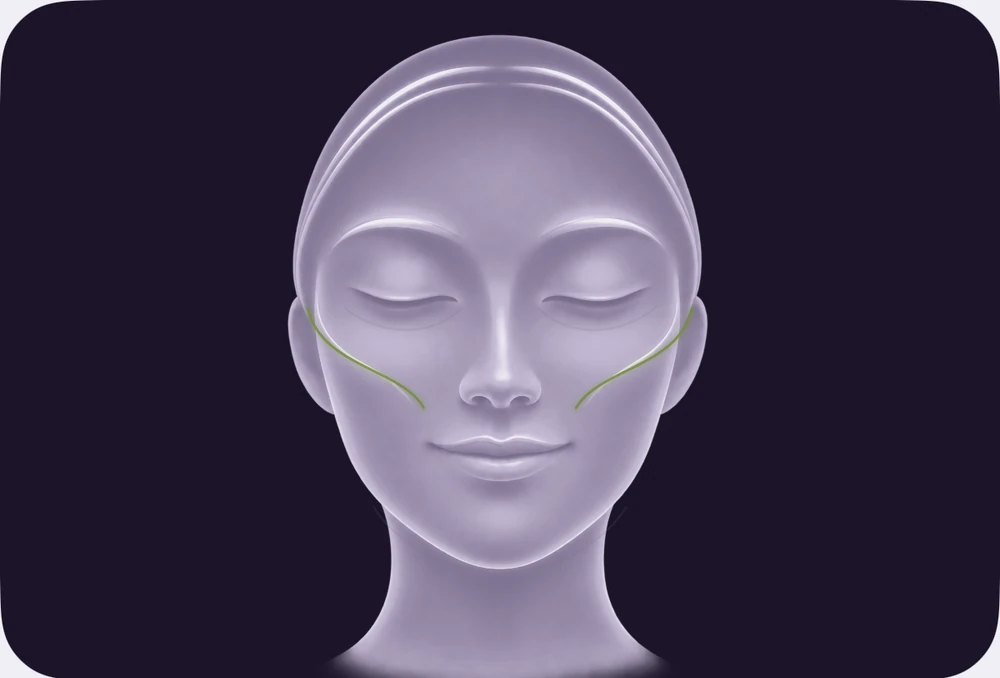
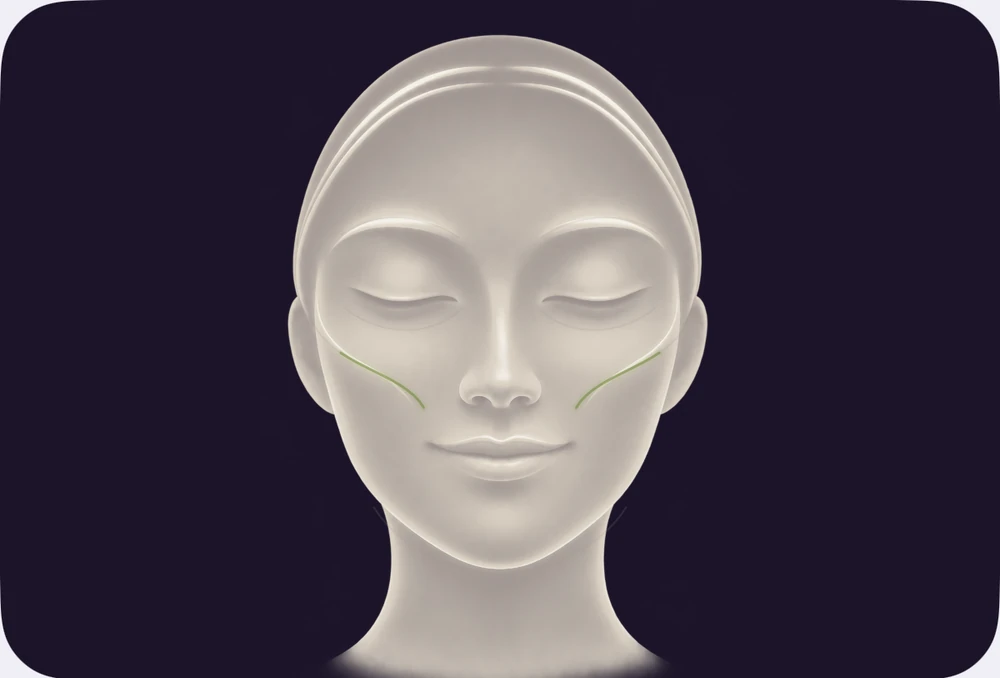
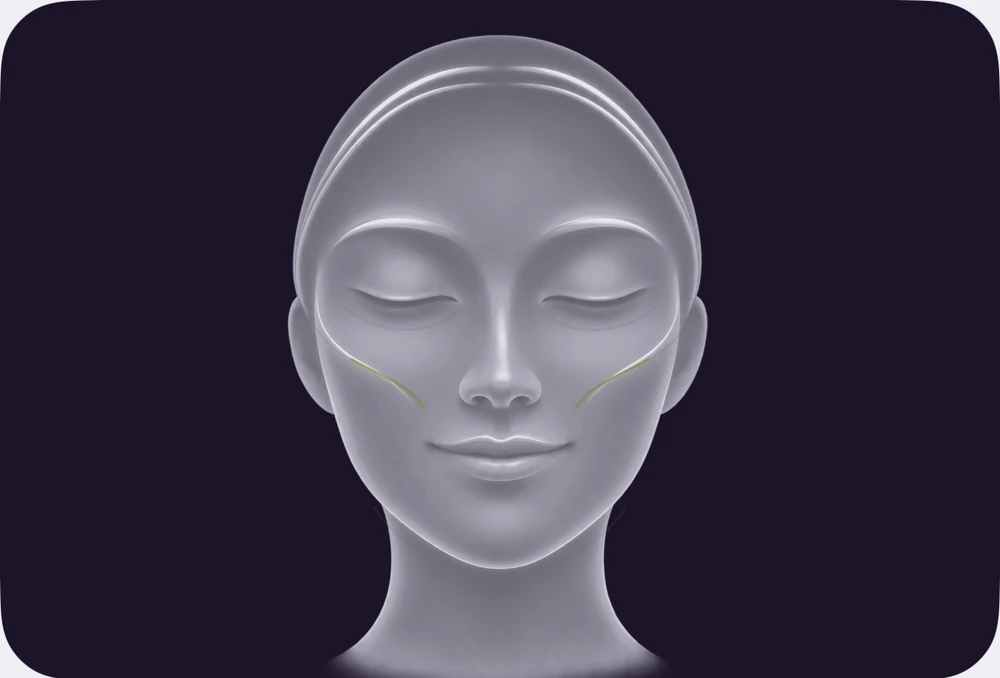
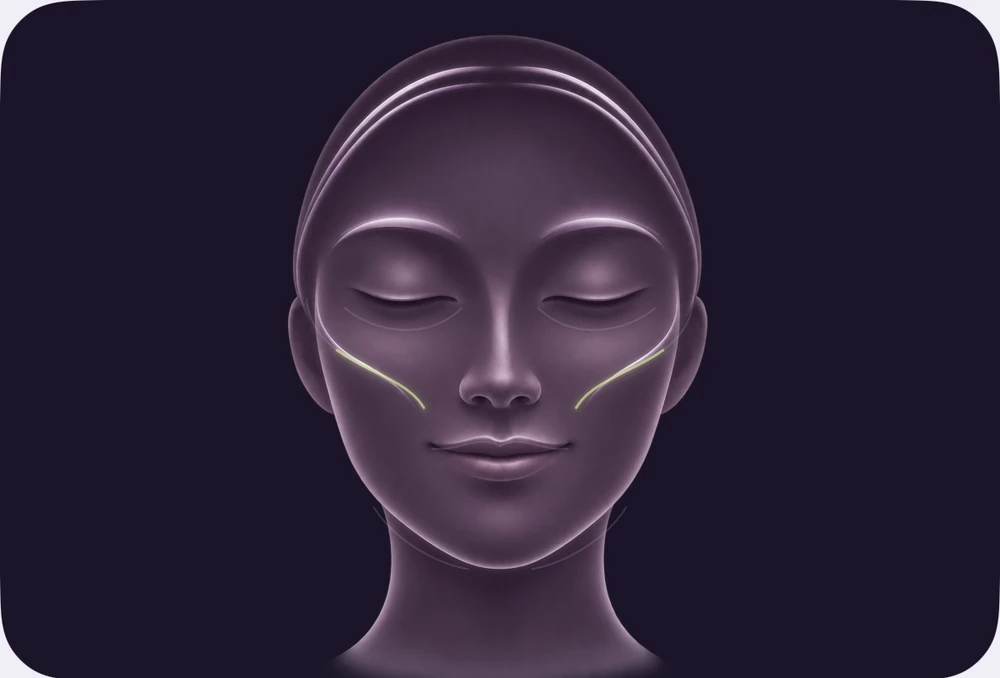
A soft lilac illustrated face, with a pair of lime curves following the cheeks.
Gentle moves. Live feedback.

15gentle moves

5facial zones

7–14day programs

5app languages

01 / Notice & move

A mirror
that responds.

Your expressions bring the flow lines to life. Follow a gentle demonstration, find a comfortable pose and let the feedback guide you.

  1. 01

    Find your starting point.

    A short calibration begins each move.

  2. 02

    Hold it. Make it count.

    The timer counts while the pose is detected.

  3. 03

    Stay at your own pace.

    Adjust sensitivity, pause, restart or skip. Spoken guidance is optional.

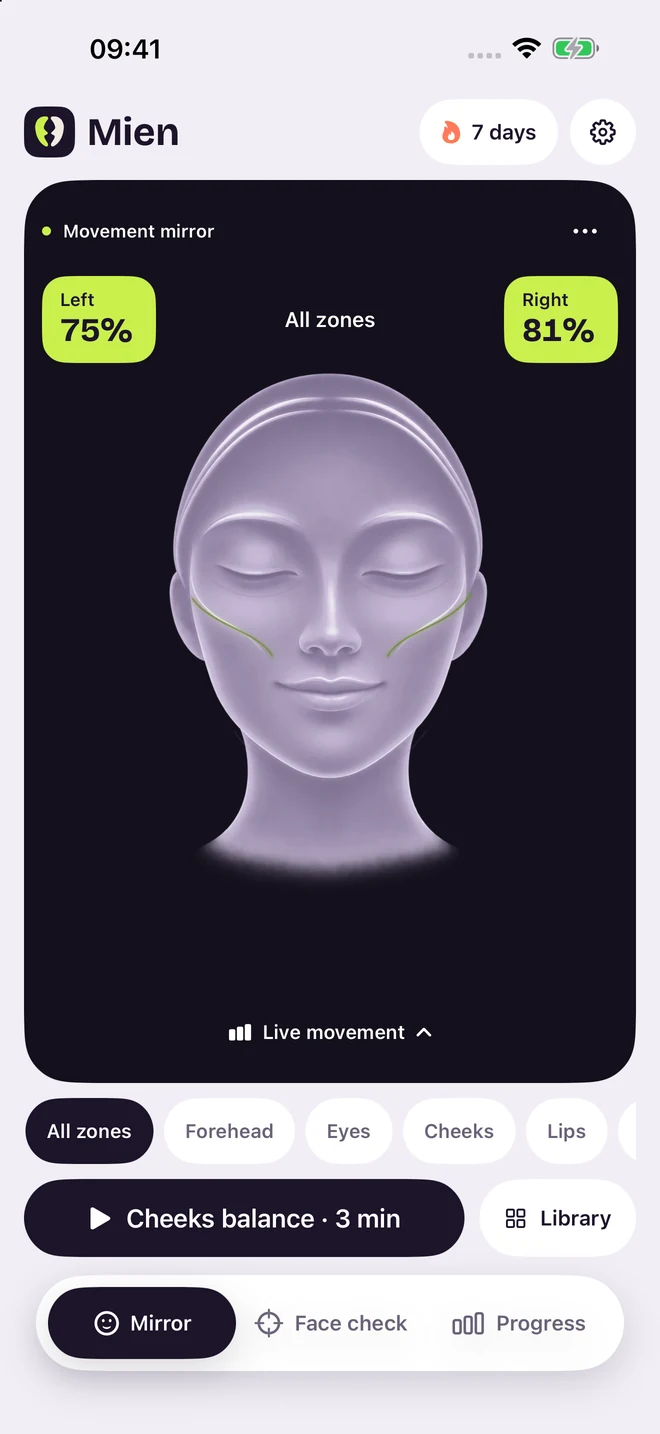
Mien’s movement mirror, with a lilac guide face, cheek flow lines and paired left and right movement indicators.
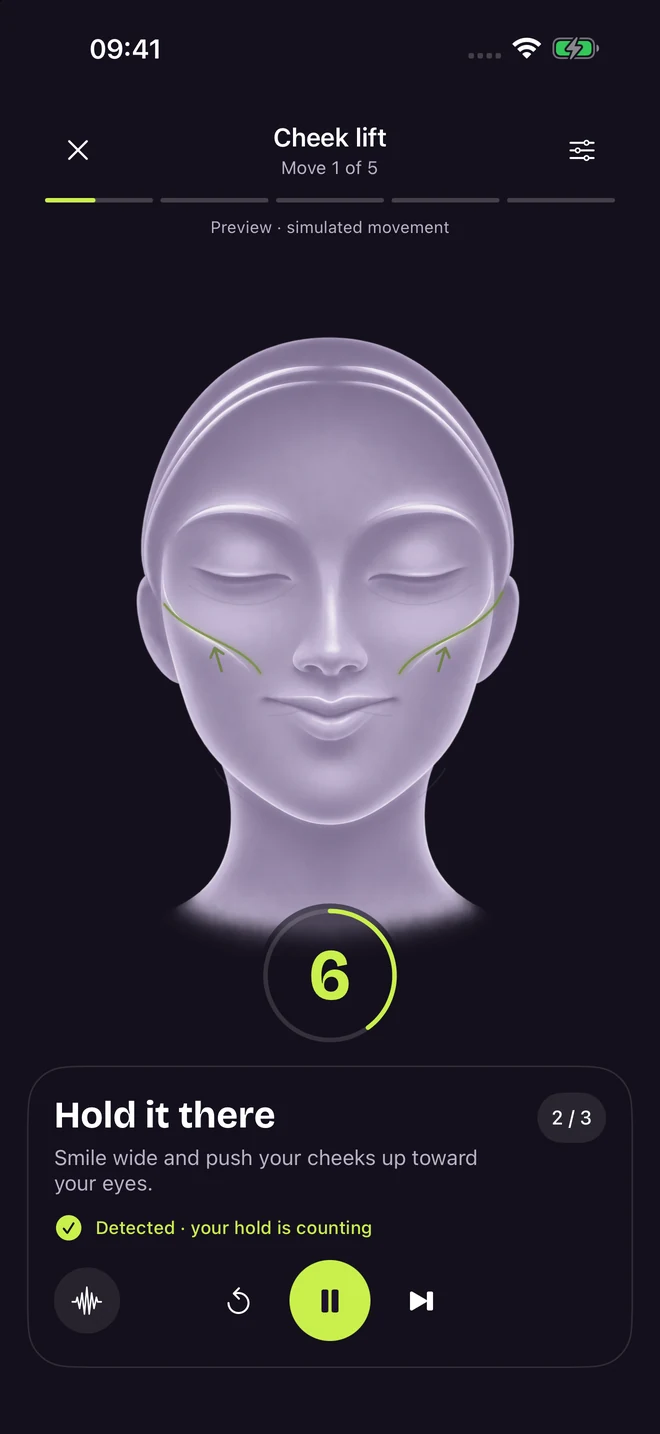
A cheek-lift session showing the animated demonstration, recognized hold feedback, countdown and pause control.
Illustrated camera previews. Live feedback uses your own face.

02 / Find a rhythm

Five zones.
Your own rhythm.

Explore your forehead, eyes, cheeks, lips and jaw. Each move comes with a demonstration and clear cues for what to do, feel and avoid.

A little structure helps.

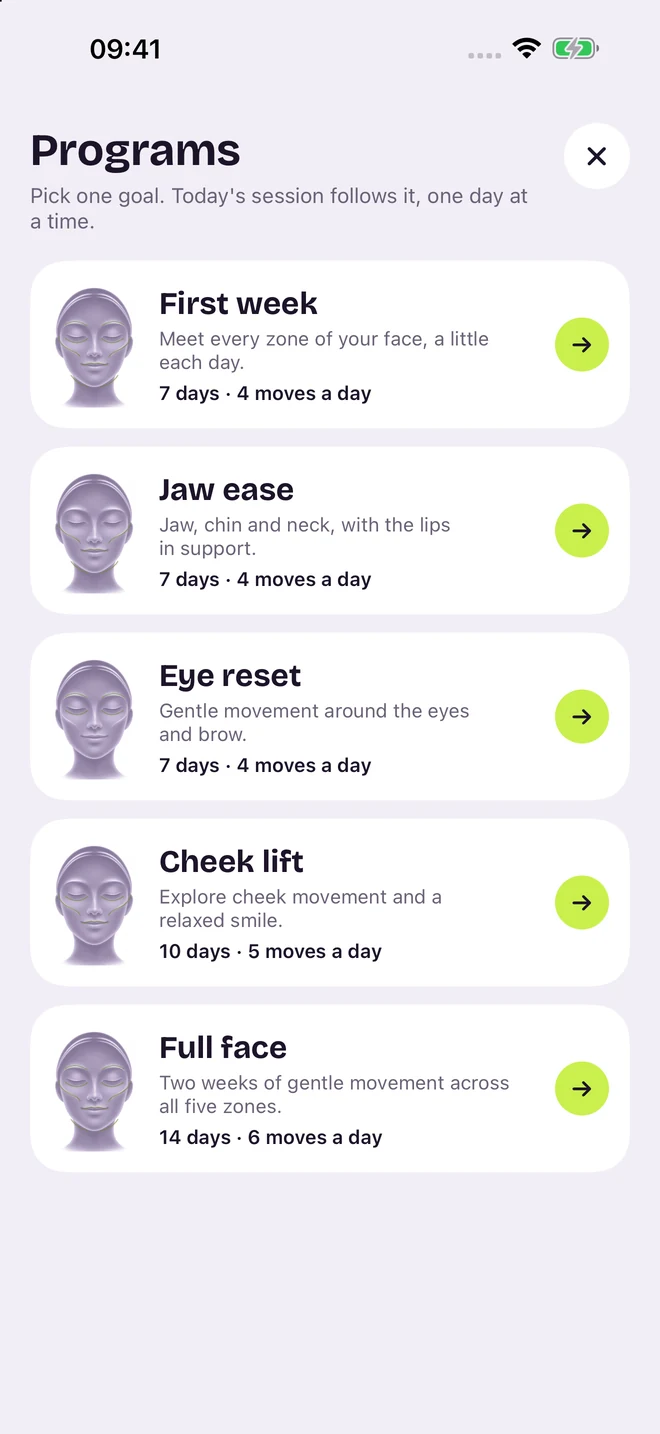
Choose from five programs lasting 7–14 days. Your daily session follows your program, one day at a time.

ForeheadEyesCheeksLipsJaw

First week is free. Some moves and programs require Mien Pro.

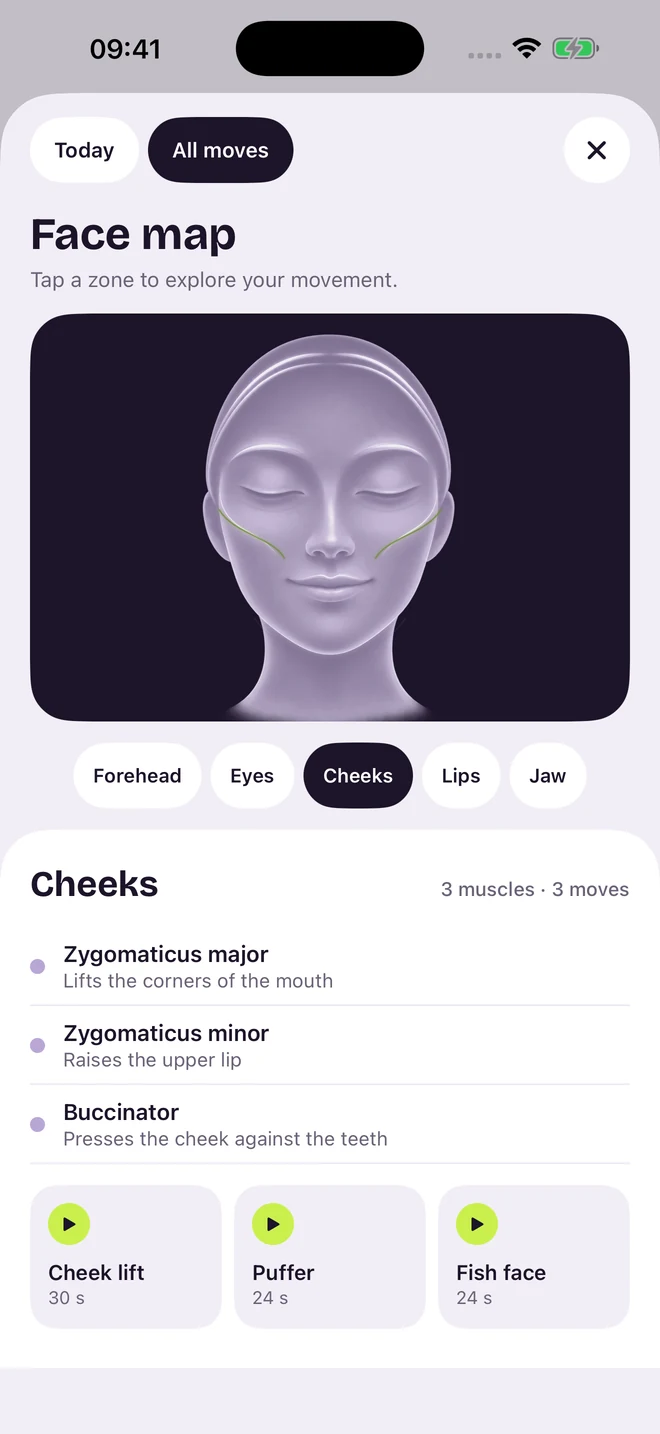
The updated face map: five facial zones, a lilac guide face and three cheek exercises.
Five guided programs: First week, Jaw ease, Eye reset, Cheek lift and Full face.
15 moves to explore. A few minutes to make them yours.

03 / Get to know your movement

Small moments.
A personal record.

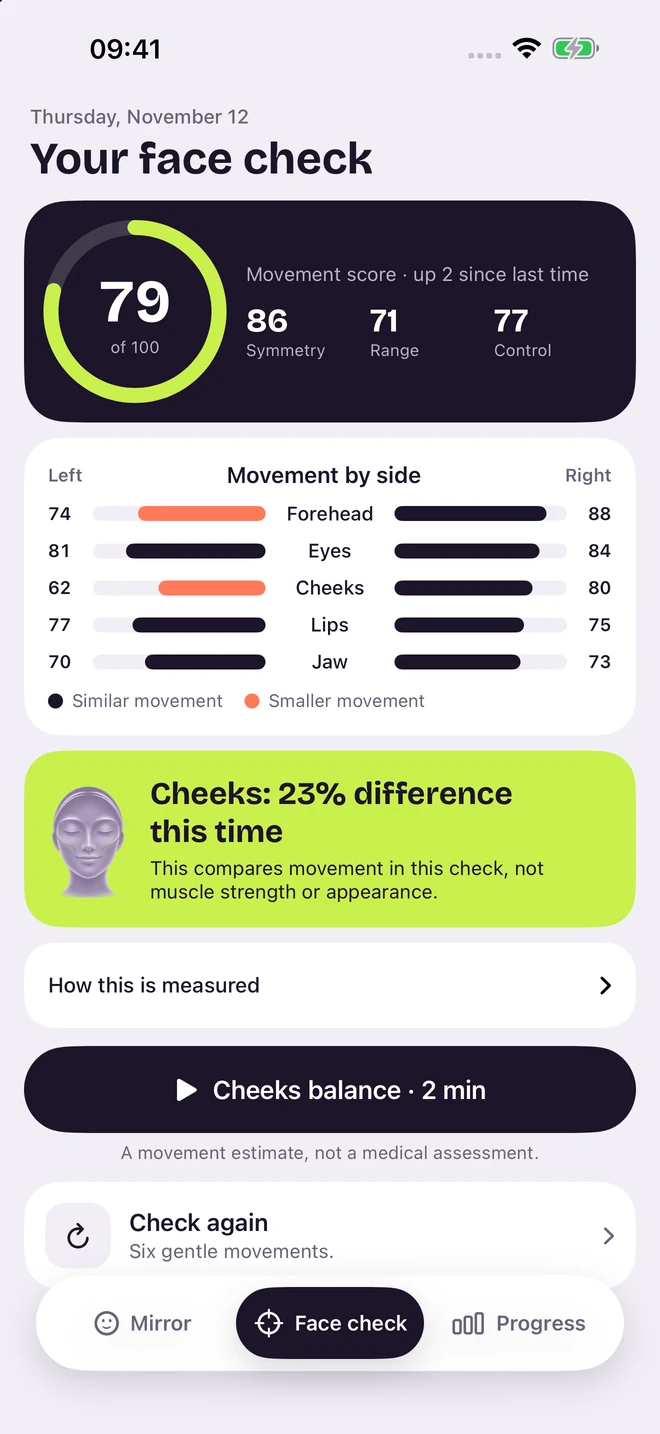
A guided check follows six gentle movements. See estimated left–right similarity, range and steadiness, then keep a record of your practice.

See the days you showed up.

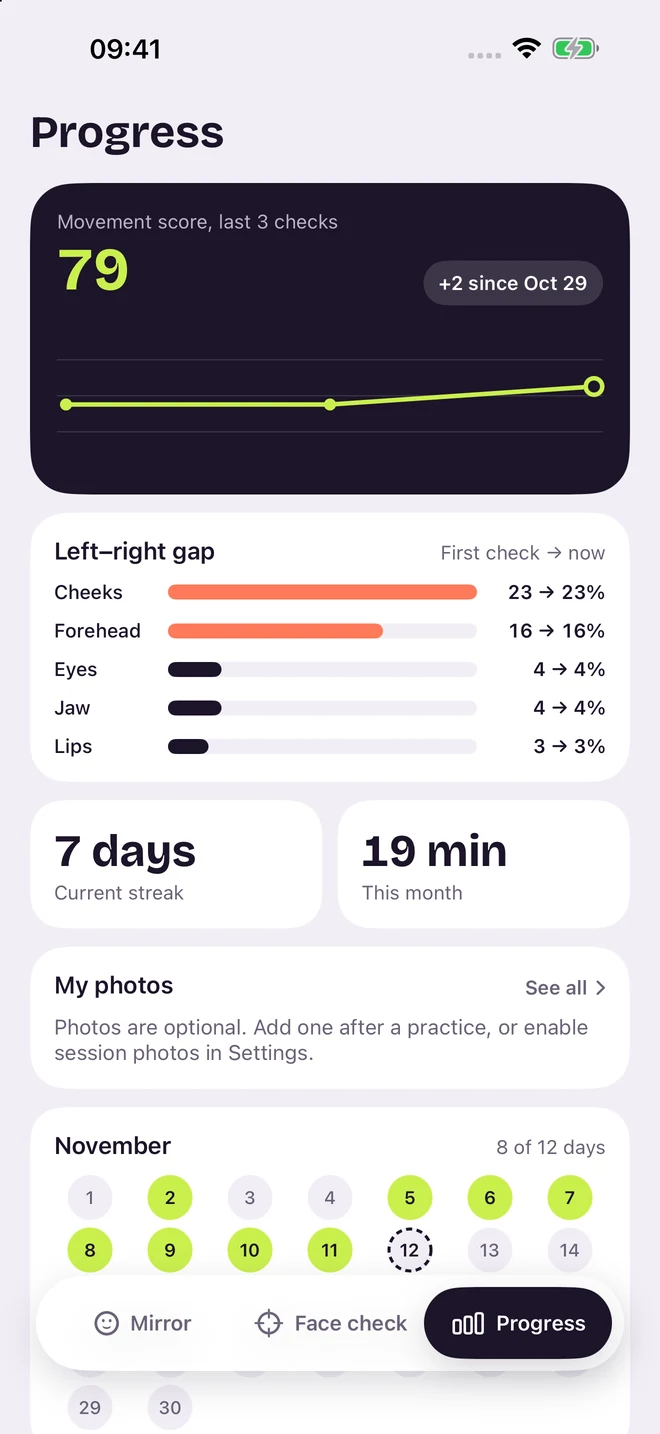
Effective hold time, streaks and a practice calendar help you follow your own rhythm. Optional photos stay in your control.

Feedback varies with your movement and camera conditions. Scores describe estimated movement, not muscle strength or health.

A sample movement check with an overall score, paired movement ranges and a suggested cheek session.
Sample practice records, with a movement-score trend, seven-day streak and practice calendar.
Example results and records. Your practice will be your own.

A softer way to follow along

Make it feel
like you.

Four portrait tones for your guide face, included for everyone. Choose your kind of calm.

Changes the illustration in guides and demonstrations. Your natural skin tone stays your own in the camera.

Soft lilac guide portrait from Mien’s face map.
Guide portraitSoft lilac

Private practice

Your face.
Your iPhone.

Read our privacy policy
01

Processed on your device.

Face tracking stays on your iPhone. We do not receive your camera images or face-tracking data.

02

You choose what to keep.

Session photos are off by default. Save or share when you want, and delete photos or reset your records in Settings.

03

Just open and begin.

No account, no ads, no analytics. No sign-up between you and your practice.

Room to begin. Room to explore.

Start free.
Find what works for you.

Mien

Free to begin

A daily practice, with the essentials included.

  • The interactive movement mirror
  • One completed movement check per week
  • One full session per day
  • The first standalone move in each zone
  • The First week program
  • All four portrait tones, photo records and data controls

Mien Pro

More to explore

Monthly, yearly or a one-time lifetime purchase.

  • Movement checks whenever you like
  • Repeat full sessions throughout the day
  • All 15 standalone moves
  • All five guided programs
  • Every overlay style, mesh color and eye tint

Prices and any available trial are shown in the app before purchase. Monthly and yearly plans renew automatically unless canceled.

A few things to know

Before you begin.

More help & support
What do I need to use Mien?

Mien requires iOS 17 or later. Live movement feedback needs an iPhone that supports ARKit face tracking and camera permission. On unsupported devices, you can still browse the exercise library.

Will I see the lilac face in the camera?

The lilac face is the guide illustration used in demonstrations and the face map. In the live mirror, you see your own face with movement-responsive overlays. The camera areas in the previews above use an illustration.

What does the movement score tell me?

It summarizes estimated left–right similarity, movement range and steadiness during a check. It is a personal practice reference. Mien does not measure muscle strength, diagnose conditions or guarantee cosmetic results. Practice gently and stop if a movement feels uncomfortable.

Which languages are available?

The app and optional voice guidance support English, Simplified Chinese, Traditional Chinese, Japanese and Korean. Choose your language in Mien’s Settings.

How do I manage Mien Pro?

Use Manage subscription in Mien’s Settings or your Apple Account subscription settings. Restore purchases is available in the app. The one-time lifetime purchase does not cancel an existing subscription; manage that subscription separately.

A moment for you.

A little practice.
A place in your day.

Coming soon
on the App Store

English简体中文繁體中文日本語한국어